kb333 Deposit Guide: Add Money With bKash, Nagad, Rocket or Upay
Read this page once and you can move money from your wallet into your kb333 balance without guessing which button to press. You will know the ৳250 floor, the six-minute credit window, the steps that keep the sender name matched, and exactly what to say when a payment stalls.
- bKash
- Nagad
- Rocket
- Upay
- 24/7 Live Chat
Choose your wallet: four cash-in routes compared
Every wallet below feeds the same kb333 account. Pick the app that already holds your money, then follow the steps in the next section. Each route credits in about six minutes, and each one asks for at least ৳250 per transfer.
-
bKash
The default choice for most players. Works from the app on your phone or through an agent point nearby.
Deposit6 minCashout3 minMinimum৳250 -
Nagad
Useful when your bKash float is low but your Nagad account still carries balance.
Deposit6 minCashout3 minMinimum৳250 -
Rocket
Longer receiver number than the others, so read the digits twice before you confirm.
Deposit6 minCashout3 minMinimum৳250 -
Upay
Good for a quick top-up when you are already logged into the Upay app on the same phone.
Deposit6 minCashout3 minMinimum৳250
Because cashouts open on the same four wallets, the simplest habit is to deposit and withdraw through one wallet only. Paying in from a cousin's bKash and drawing out to your own account looks like two different people during a routine check, and that is the fastest way to turn a three-minute cashout into a long wait.
18+ · Play Responsibly. Deposits and withdrawals are for players in Bangladesh aged 18 and over.
Send the money in four taps
The cashier and your wallet app are two separate screens, and the deposit only matches when they agree on the number, the amount and the sender. Work through these four steps in order and the credit lands on the first attempt.
-
1
Log in and open the cashier
Sign in through the kb333 login page and tap Deposit. Leave that page open. The receiver number and the amount you type there are what the system matches later, so never send first and open the cashier afterwards.
-
2
Pick the wallet and type the amount
Enter ৳250 or more. If this is your first top-up and you want the welcome offer, claim it on this screen before you send: the bonus is 190% up to ৳16,500, and it will not attach itself to a transfer that is already in flight.
-
3
Send from your wallet to the number on screen
Open bKash, Nagad, Rocket or Upay, choose Send Money, paste the receiver number exactly, and approve with your PIN. Copy the transaction ID the moment the confirmation appears, or screenshot it while the screen is still up.
-
4
Wait for the credit, then play
Deposits usually post in about six minutes. Refresh your balance once after that. If the amount has still not appeared, take the transaction ID to live chat instead of sending a second payment, because the first one is almost always sitting in the queue.
What each wallet asks you for
The screens look alike until one of them surprises you. This is the small print for each app, written from the questions players bring to chat most often.
| Wallet | Step to use inside the app | Detail that trips people up |
|---|---|---|
| bKash | Send Money to the receiver number shown in the cashier. | Do not switch to Payment or Bill Pay. Those routes expect a biller code, and the money leaves your wallet without ever reaching the deposit record. |
| Nagad | Send Money, then check the receiver name shown before you approve. | A single wrong digit sends the money to a stranger. Read the name on the confirm screen, not just the number you pasted. |
| Rocket | Send Money with the long receiver number from the cashier. | Rocket numbers run longer than the others, so compare the last three digits twice. Keep the confirmation SMS until the balance updates. |
| Upay | Send Money to the receiver number shown in the cashier. | Screenshot the success screen. The transaction ID on it is the fastest thing support can trace when a credit is slow. |
Send from a wallet registered in your own name. Before your first withdrawal we compare the sender name with the identity document you upload, and a mismatch between the two is the most common reason a cashout gets held for review. The accepted documents are a National ID card, a passport or a driving licence.
Upload that document early rather than on the night you want to withdraw. Review takes up to six hours, and it happens before your first cashout, not after it. Players who send the document on the day they register never notice the check at all.
Minimums, timing and caps at a glance
One table for every figure that decides whether a payment goes through. All amounts are in Bangladeshi taka.
| Item | Figure |
|---|---|
| Minimum deposit | ৳250 |
| Deposit credited in | 6 min |
| Minimum withdrawal | ৳700 |
| Withdrawal after approval | 3 min |
| First withdrawal, while the account is new | up to 2 hours |
| Daily withdrawal cap, starter level | ৳95,000 |
| First deposit bonus | 190% up to ৳16,500 |
| Wagering on bonus funds | 15× |
| Reload bonus | 27% |
| Daily cashback | 0.7% |
| Referral reward | ৳525 |
| Identity document review | up to 6 hours |
The ৳95,000 daily cap is the starting level. Higher VIP tiers raise it, and the tier you sit in depends on how much you turn over in a month, so the cap moves on its own as you play.
What the first ৳250 brings you
Claim the welcome offer on the deposit screen and your first top-up is matched at 190%, up to a ceiling of ৳16,500. A ৳250 deposit adds ৳475 in bonus funds, and larger deposits keep scaling until they touch the cap.
That bonus money carries 15× wagering before any of it can leave the account. Plan for it: play through the requirement on the games you actually enjoy rather than chasing it in one session on a single slot.
After the first deposit the offers change shape. Reloads add 27%, cashback returns 0.7% of daily play, and a referral brings ৳525 once the friend you brought in gets going. Each one lands in the same balance and follows the same play-through rules.
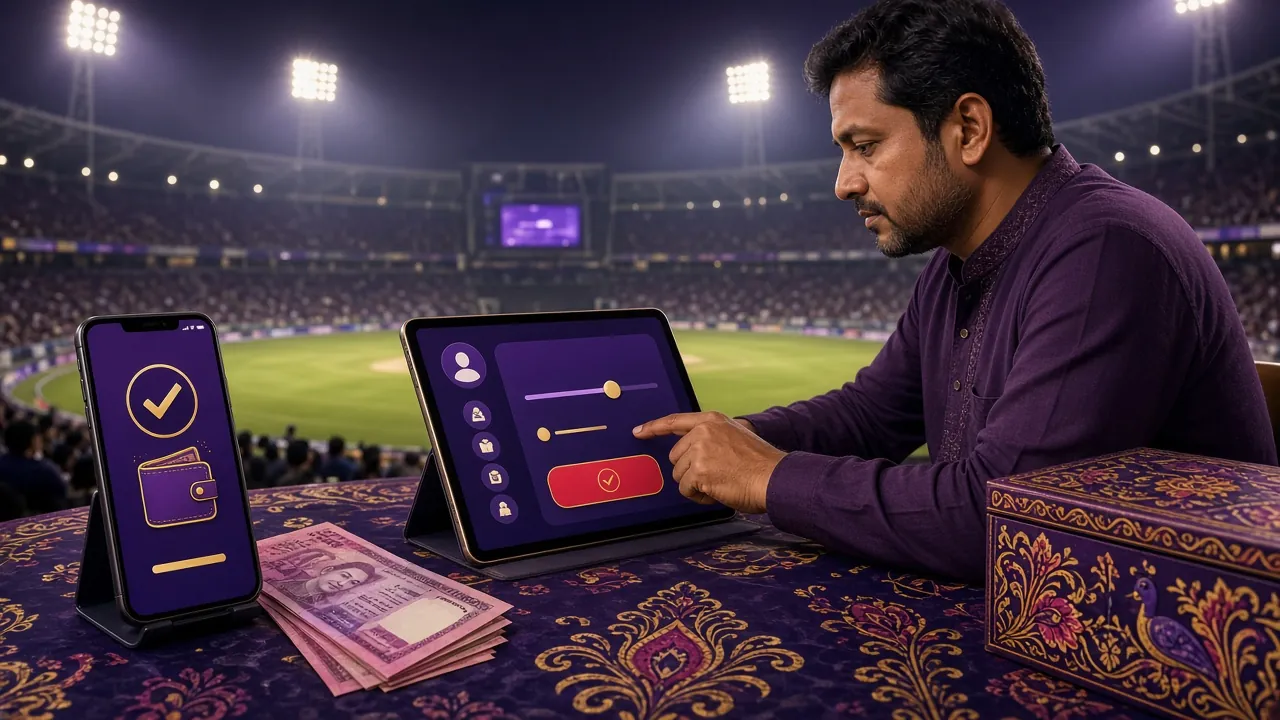
Fix a top-up that never landed
Almost every missing deposit falls into one of the rows below. Read the cause first, because sending a second payment before you check is how a small delay becomes a double deposit.
| What you see | Why it happens | What to do |
|---|---|---|
| Balance still at zero after ten minutes | The sender number differs from the wallet number on your account, so the record cannot match itself. | Open 24/7 Live Chat with the transaction ID, the amount and the wallet name. Support links the payment by hand. |
| Wallet says insufficient balance | Your wallet float is lower than the amount you typed in the cashier. | Cash in at an agent point, then repeat the same amount. Do not split it into transfers under ৳250, since those cannot match. |
| Wallet refuses the transfer with a limit message | The wallet's own daily or monthly ceiling, not a kb333 limit. | Use another wallet from the four, or wait for the wallet's counter to reset and send one payment instead of several. |
| Money left the wallet, status shows pending | The gap between the wallet's confirmation and the deposit record closing. | Wait out the six-minute window, refresh once, then share the transaction ID. Never send a second payment in the same minute. |
| Cashier page closed when you returned from the app | The session timed out while you were typing a PIN in another app. | Reopen the cashier and send the transfer once. The first attempt never went through, so nothing is duplicated. |
| Digits typed into the wrong receiver number | A mistyped receiver, approved before checking the name on screen. | Call your wallet's own support at once. A transfer sent to a stranger cannot be reversed from the kb333 side. |
When you do contact chat, four things shorten the conversation to a single message: the transaction ID, the exact amount, the wallet you used and the time on your confirmation. A screenshot of the wallet screen covers all four at once, so take it before you close the app.
One more habit saves real money. Finish a deposit before you start browsing the lobby. Players who keep the cashier open while they play sometimes trigger the same transfer twice, and untangling that takes longer than the deposit itself.
Answers to the deposit questions we hear most
What is the smallest deposit kb333 accepts?
৳250. Anything below that cannot be matched to a deposit record, so send at least ৳250 in one transfer. If you want to test the route with a small amount first, ৳250 already is the test.
How fast does a bKash deposit reach my balance?
About six minutes under normal conditions. That window covers the wallet's own confirmation plus the moment the deposit record closes. If ten minutes pass with nothing showing, take the transaction ID to live chat rather than sending again.
Do I have to deposit from a wallet in my own name?
Yes, and it protects your cashout. Before the first withdrawal we compare the sender name with the National ID card, passport or driving licence you upload. A mismatch is the most common reason a withdrawal sits in review while everything else is in order.
Where do I claim the 190% first deposit bonus?
On the deposit screen, before you send the money. The offer adds 190% of your first deposit up to ৳16,500, and 15× wagering applies before any bonus funds can be withdrawn. A transfer sent without claiming it stays a plain deposit.
Will the wallet charge me a fee for the transfer?
Check the fee line on your wallet's confirmation screen before you approve anything. Wallet apps sometimes add a charge for Send Money, and that charge sits outside the amount we credit. The cashier shows the figure we expect to receive, so compare the two before tapping confirm.
Can I deposit more than once in a day?
Yes. Each transfer needs its own transaction ID and its own ৳250 minimum, and each one credits separately. Just finish one before starting the next, because two payments open at the same time are the slowest kind of deposit to trace.
What do I need ready before contacting support?
The transaction ID, the amount, the wallet name and the time shown on your confirmation. Live chat runs 24/7, and with those four details a stuck deposit usually resolves in one exchange instead of five.